1. Validation Payload
The Validation Payload page allows the user to create a validation payload and verify the validity of the data in the system before saving it or using it in other operations.
This page helps the user create a standard data structure (schema) to validate the data before performing any operations, such as creating shipments, containers, or other objects in the system. This structure can be reused in multiple places to reduce errors and improve data quality.
1.1 Dashboard
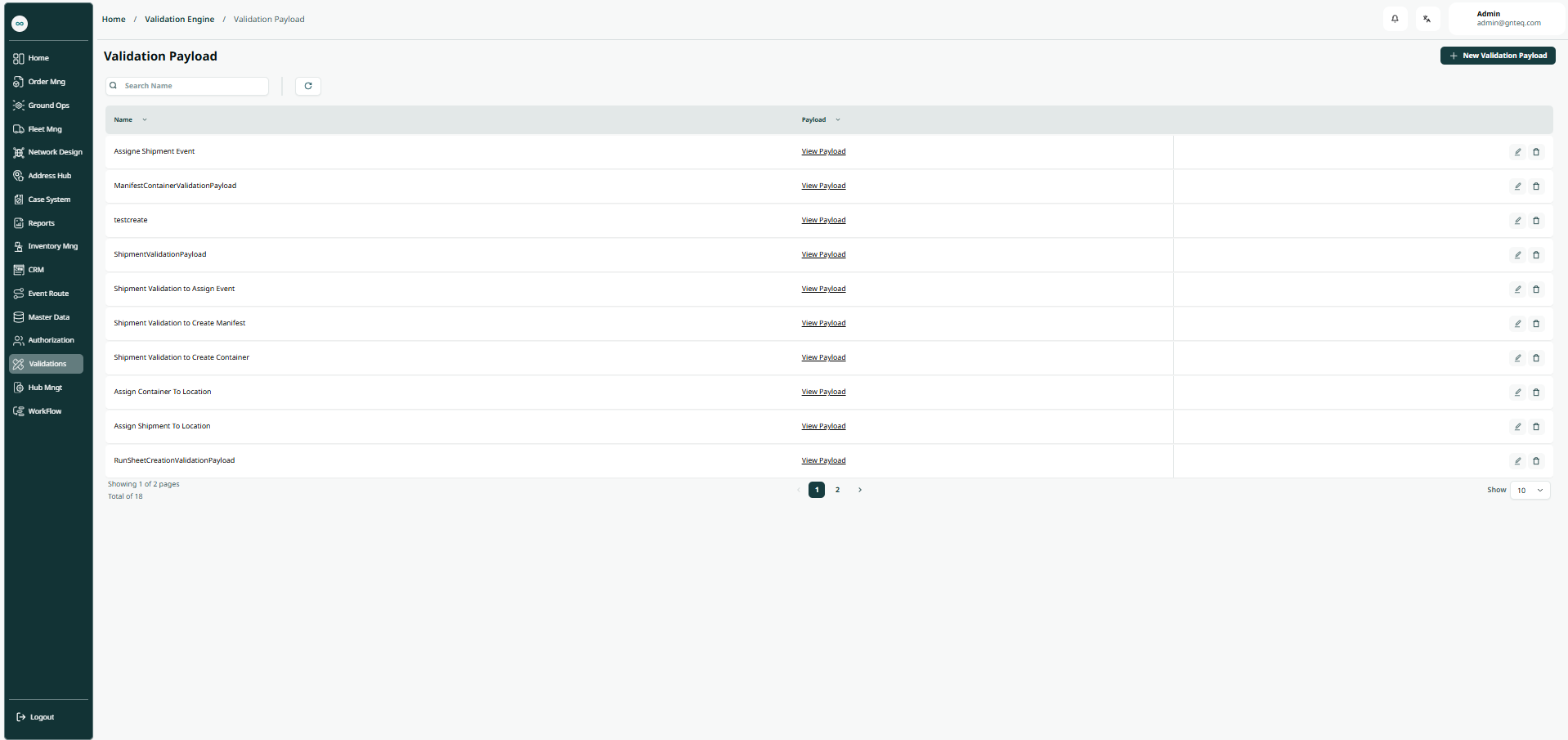
The user can view the validation payload in the system by going to the “Validation Payload” screen in the Validations module from the left navigation panel as follows:
-
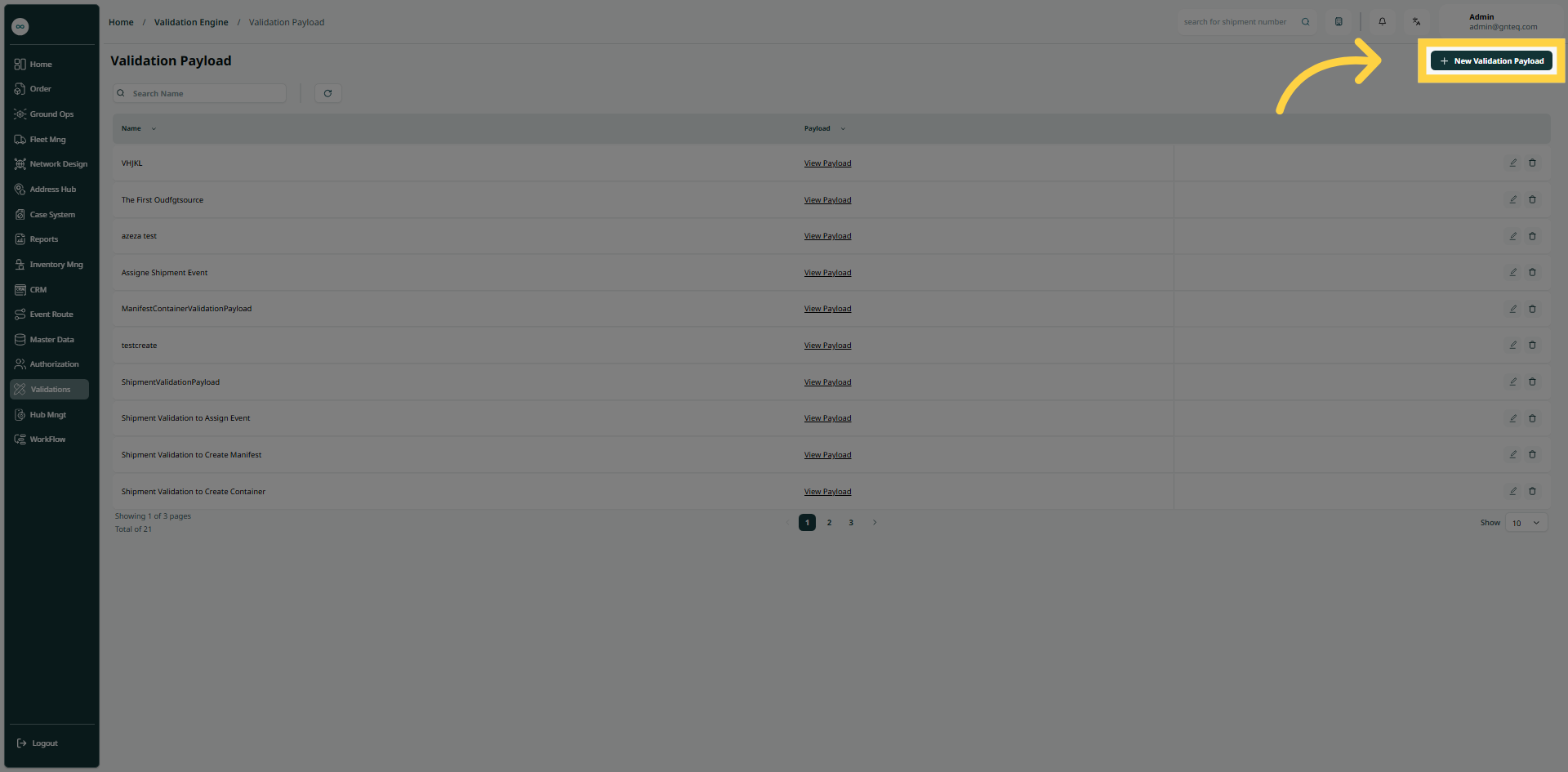
New Validation Payload: the user can create a new validation payload by clicking the "New Validation Payload" button.
-
Search: The user can search for data by typing its name.
-
Rows per Page: The user can specify the number of items to display per page.
-
Actions: by clicking Actions, the user can modify the data by going back to the edit Data section or delete the data.
1.1.1 Edit Information
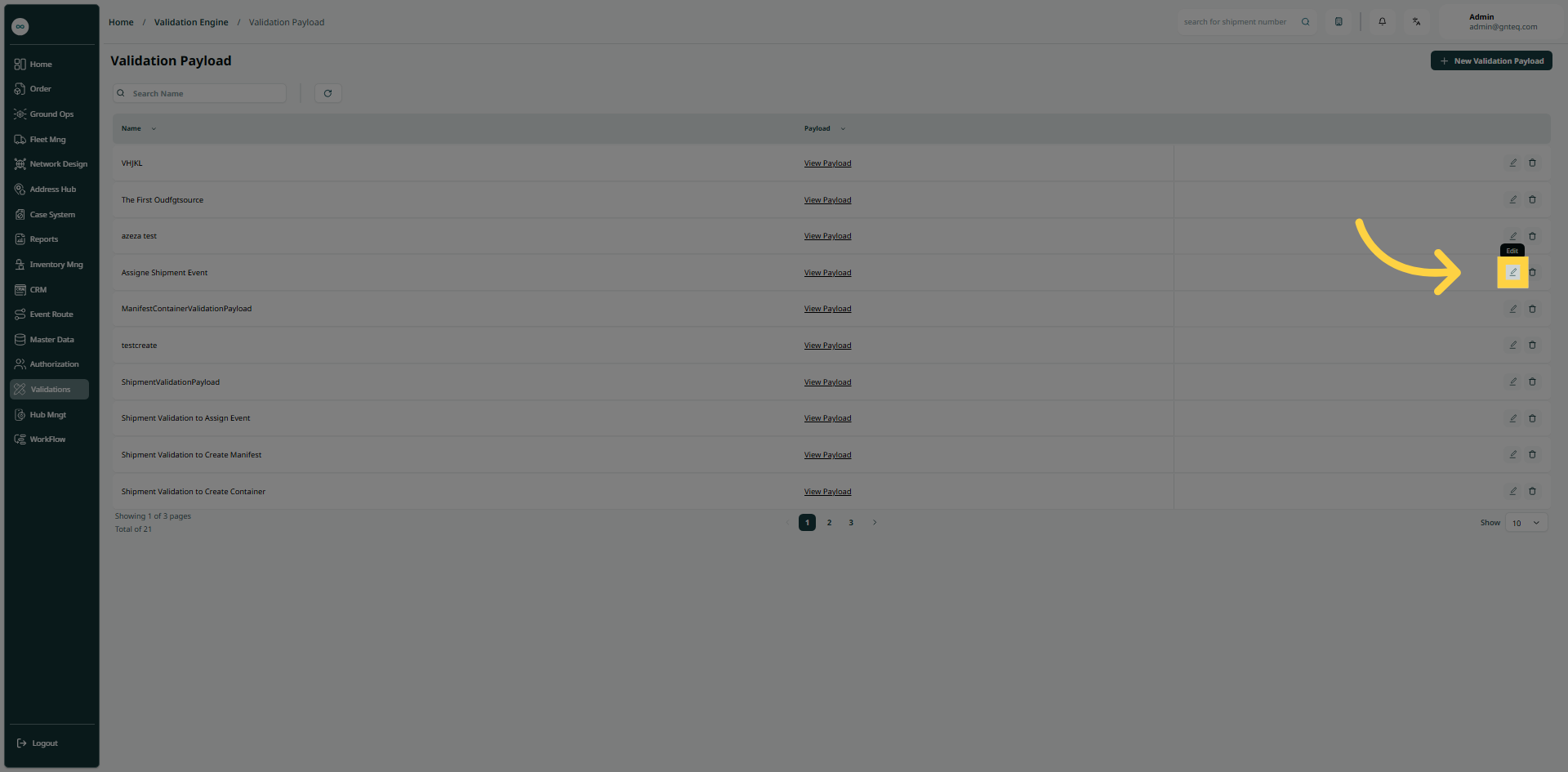
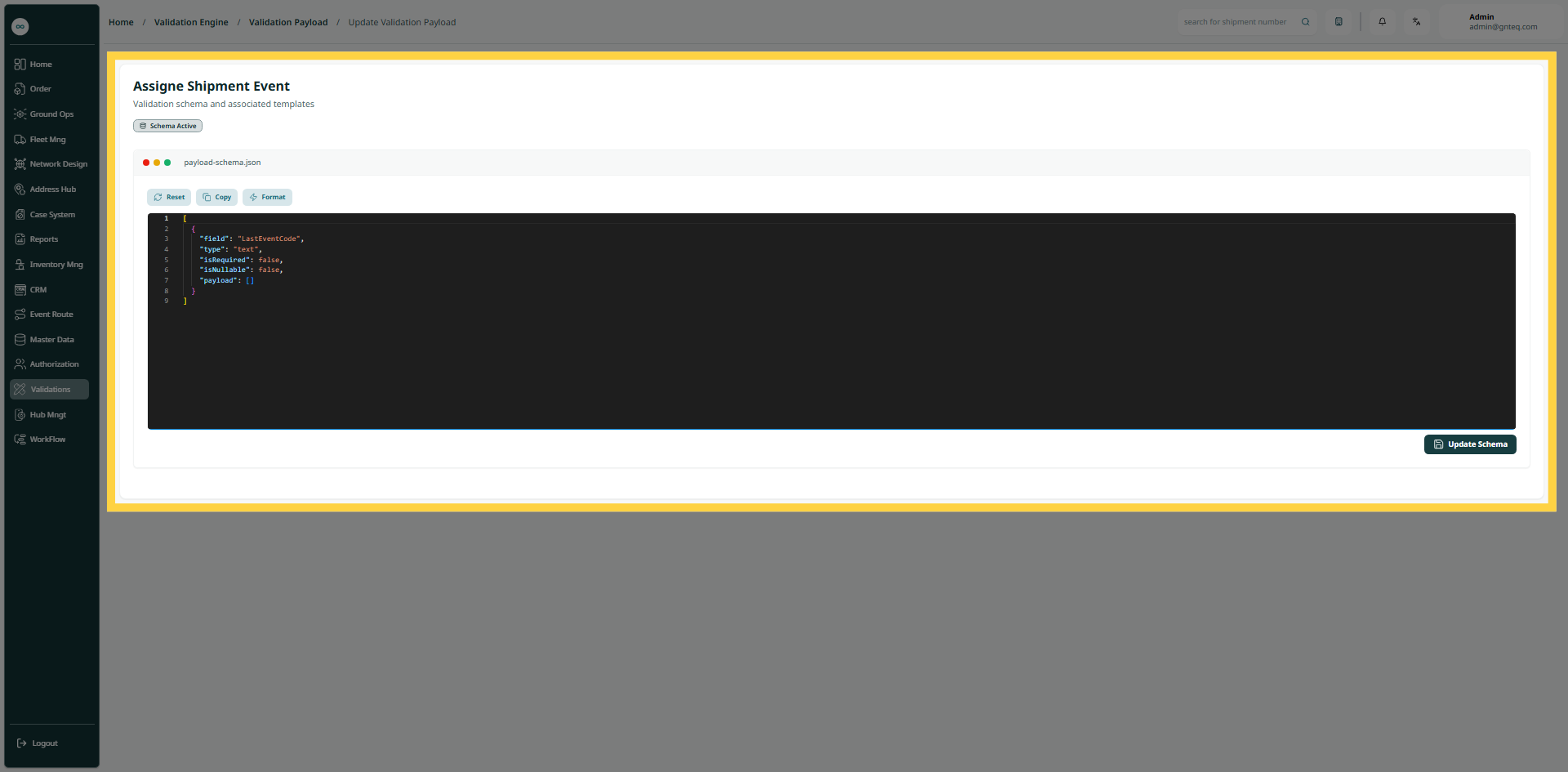
The user can edit the existing validation payload information by clicking on Edit from Actions by going to the "Validation Payload" screen via Validation.
1.1.2 Delete Validation
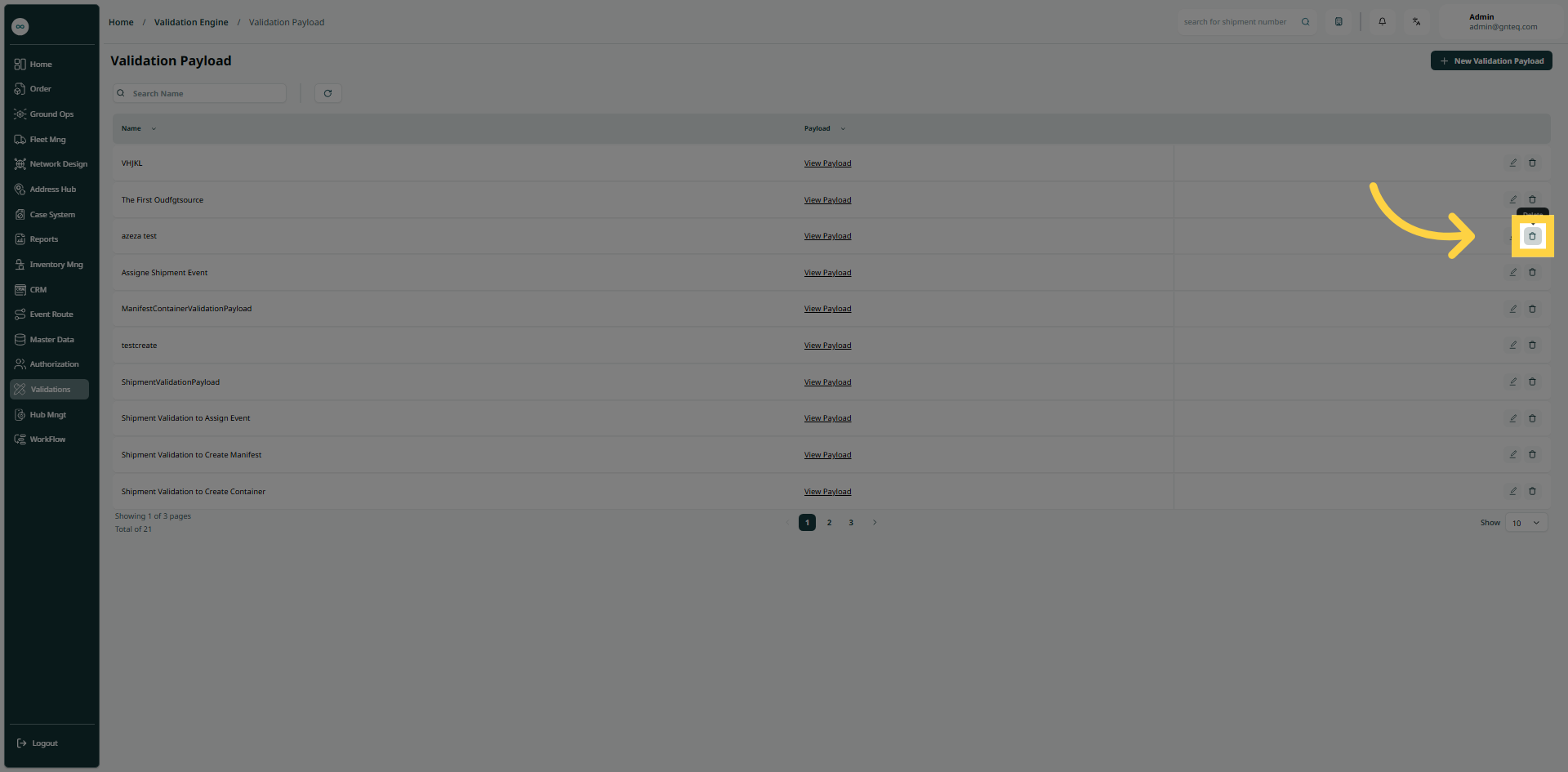
The user can delete the existing validation payload information by clicking on Delete from Actions by going to the "Validation Payload" screen via Validation.
1.2 Add New Validation Payload
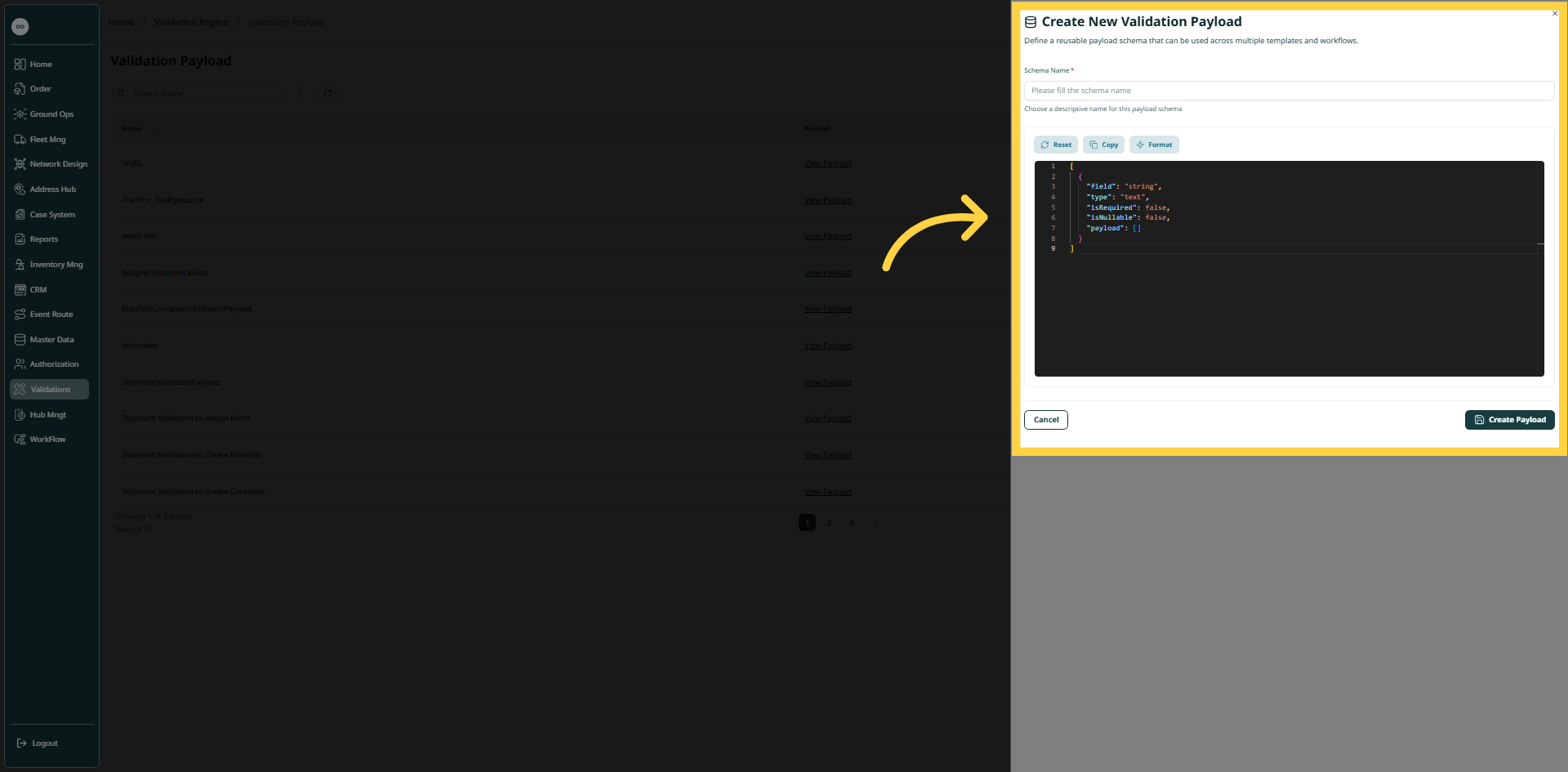
The user can create a new validation payload on the system by clicking on New Validation Payload button and going to the “Verification Payload” screen via Validations.
-
Schema Name: this field represents the schema name.
By clicking on Create Payload, the payload will be created successfully in the system.