1. General Settings
1.1 Dashboard
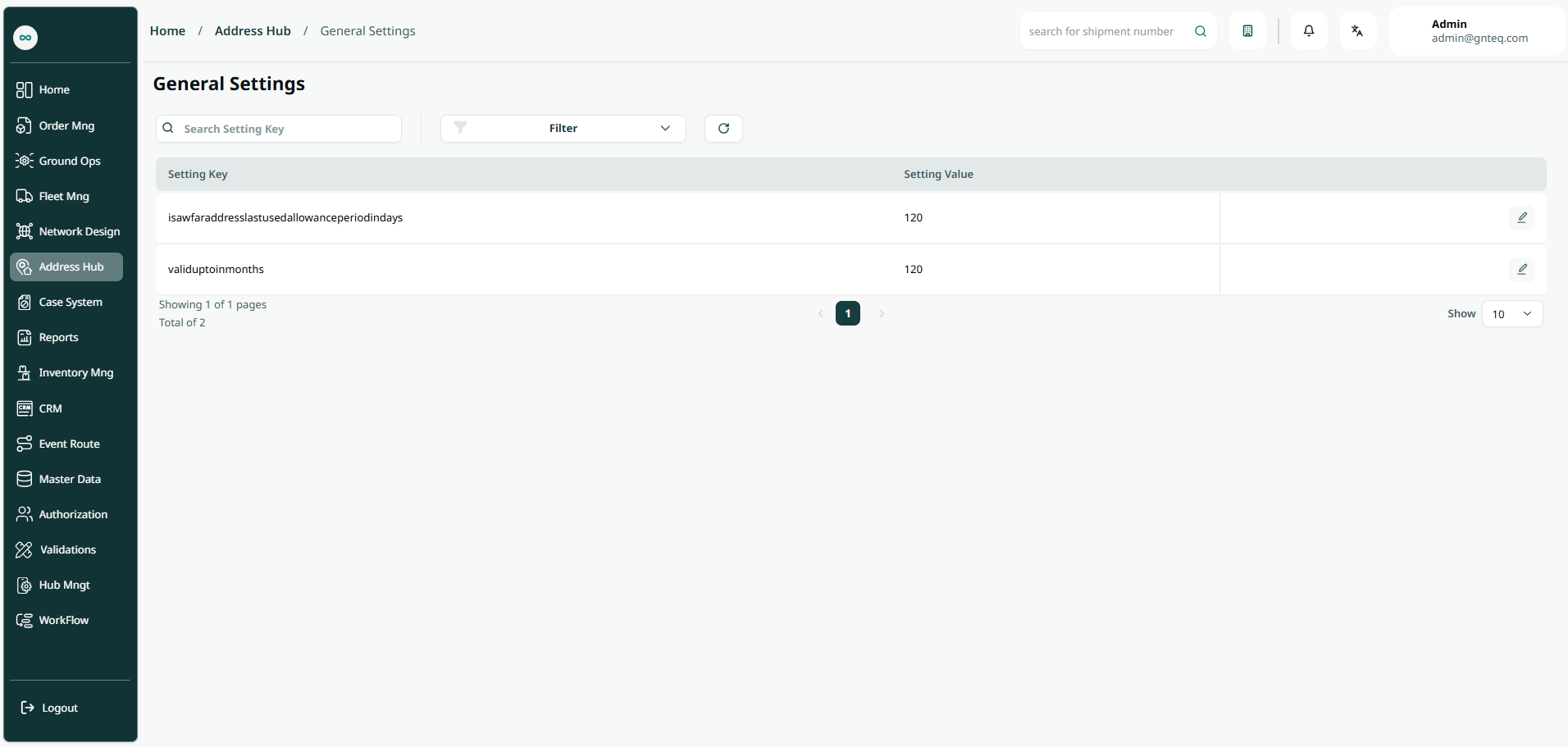
The user can view the defined settings in the system by navigating to the ‘General Settings’ screen in the Address Hub module from the left navigation panel as follows:
-
Search: the user can search for the general setting by typing the setting key.
-
Filters: the user can search for the address by setting key.
-
Action: by clicking on this button, the user can view details of the general setting.
1.1.1 View Details
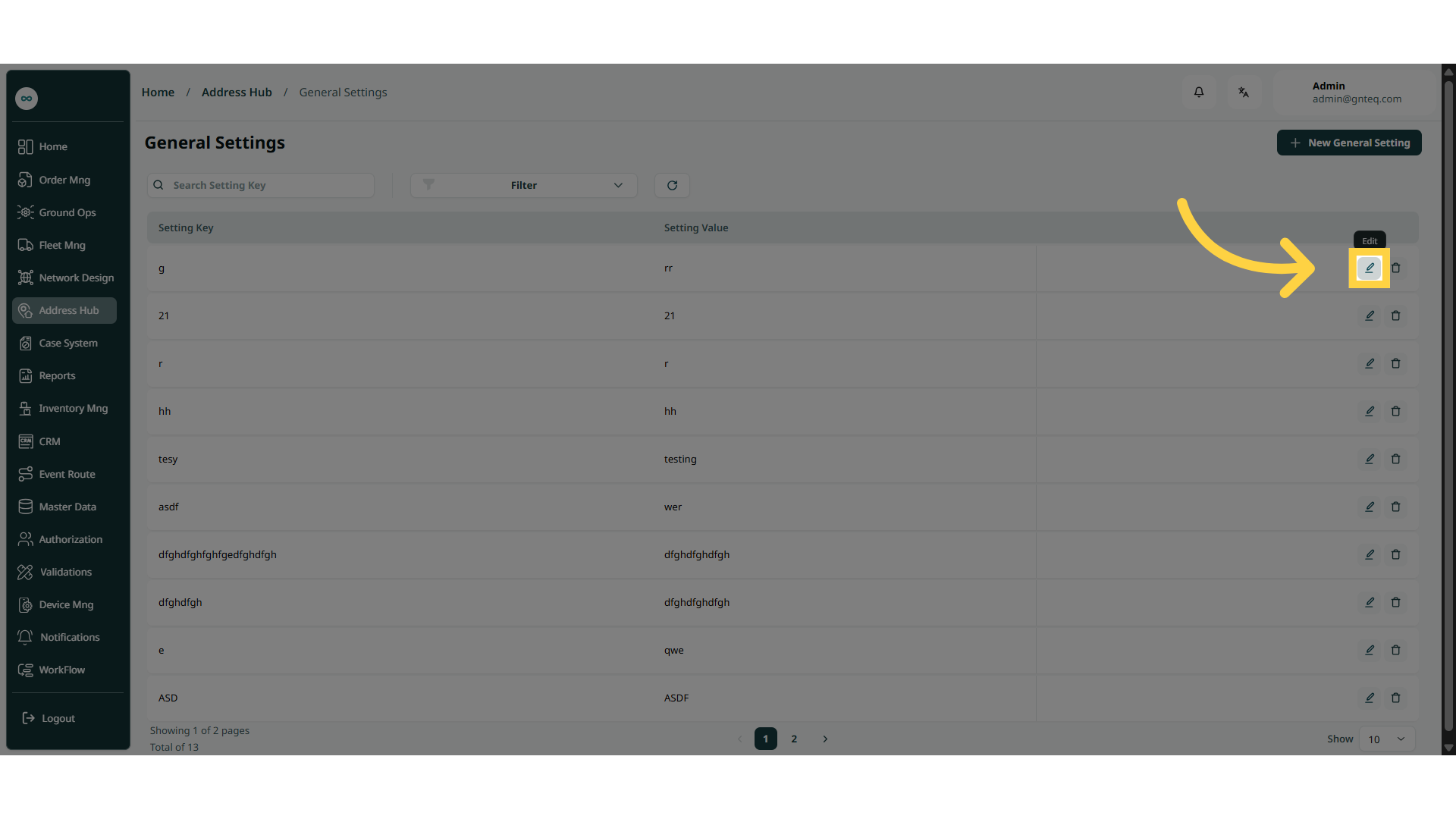
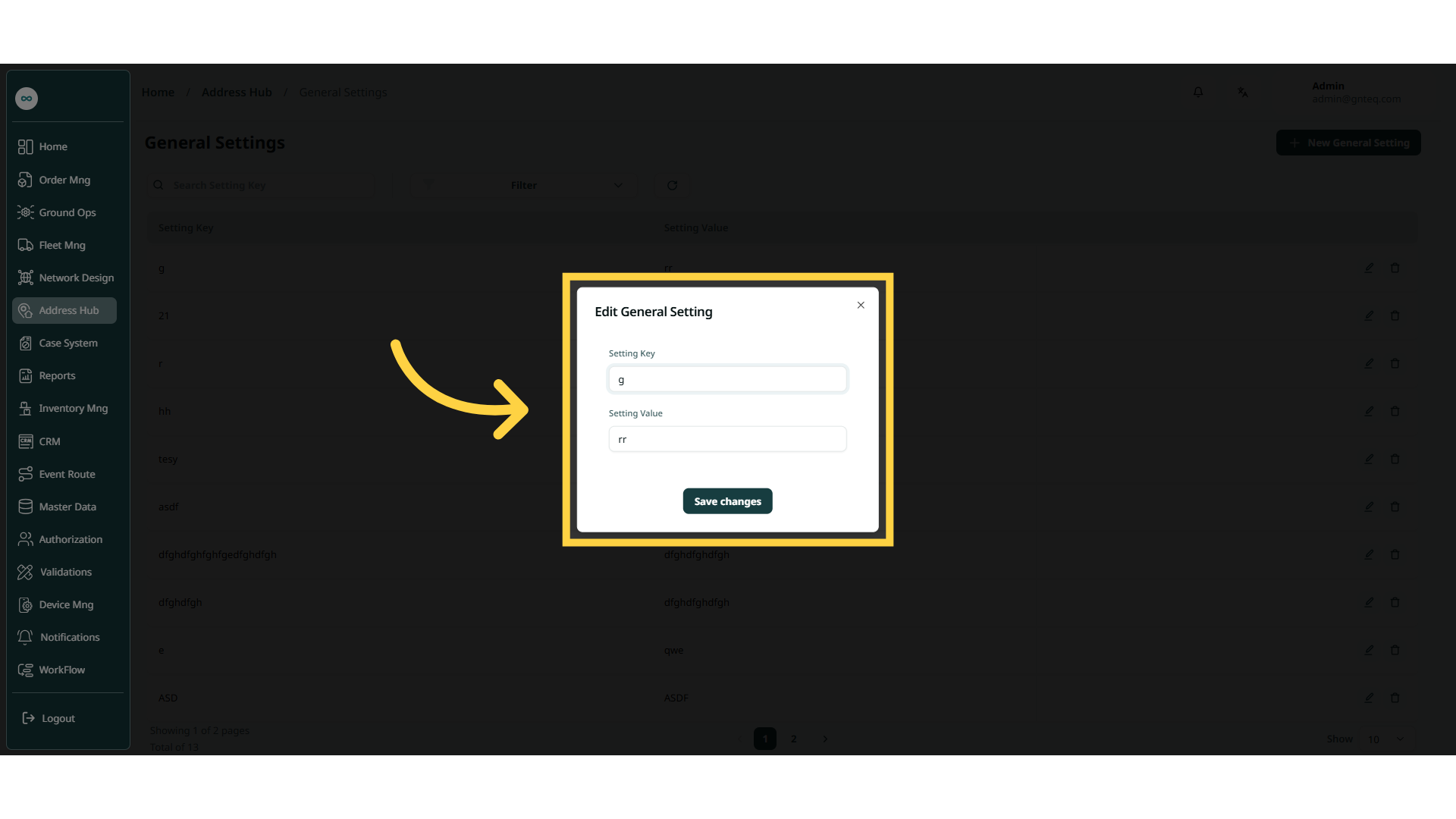
The user can edit an existing settings by clicking on Edit from Actions by navigating to the ‘General Settings’ screen via the Address Hub module.