
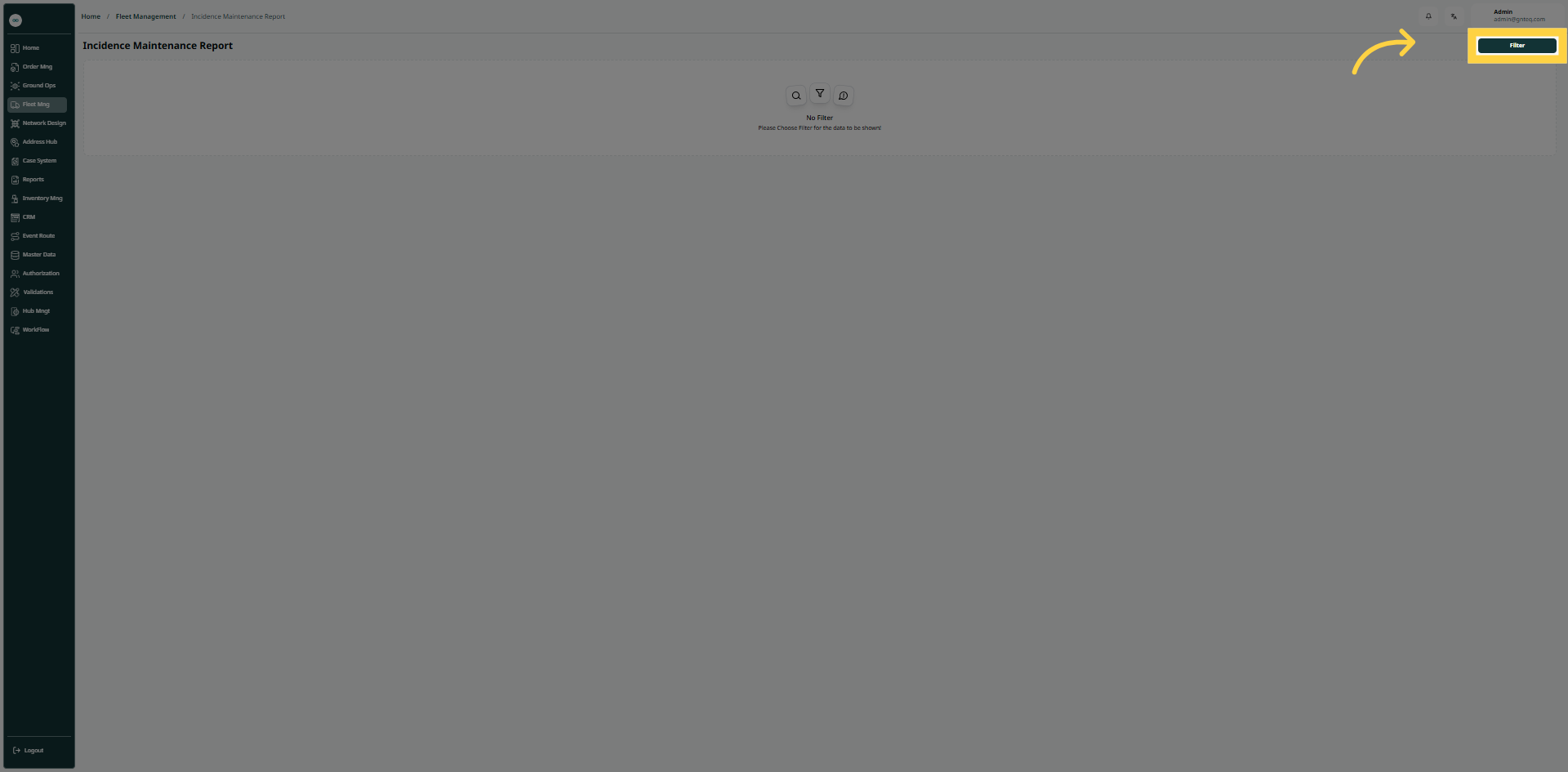
The user can create incidence maintenance reports by entering the necessary information by navigating to the “Incidence Maintenance Report” screen via the Fleet Management module and clicking on “Filter”.
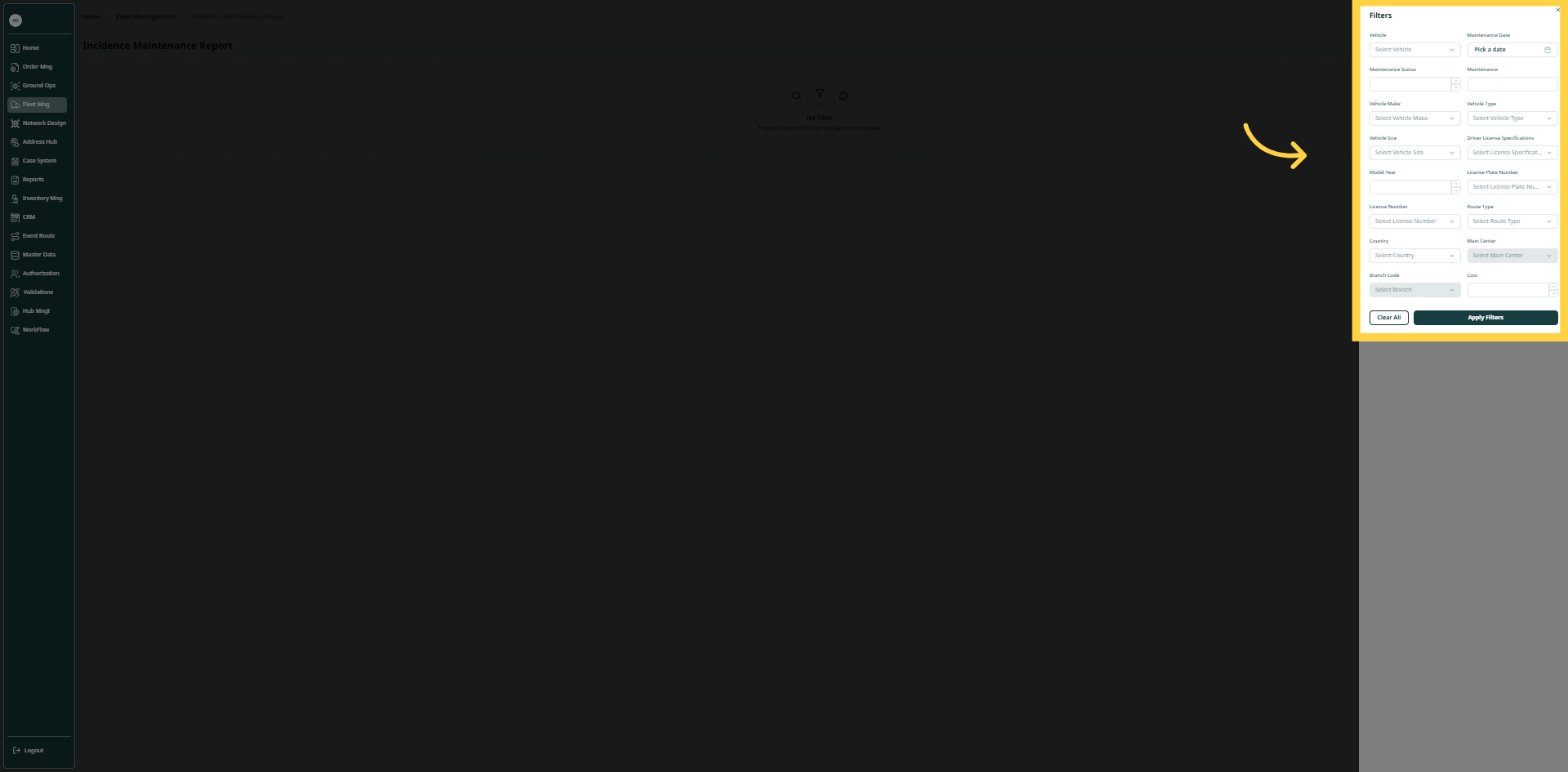
By clicking Apply Filter, the system will successfully generate the required report.