1. Dashboard
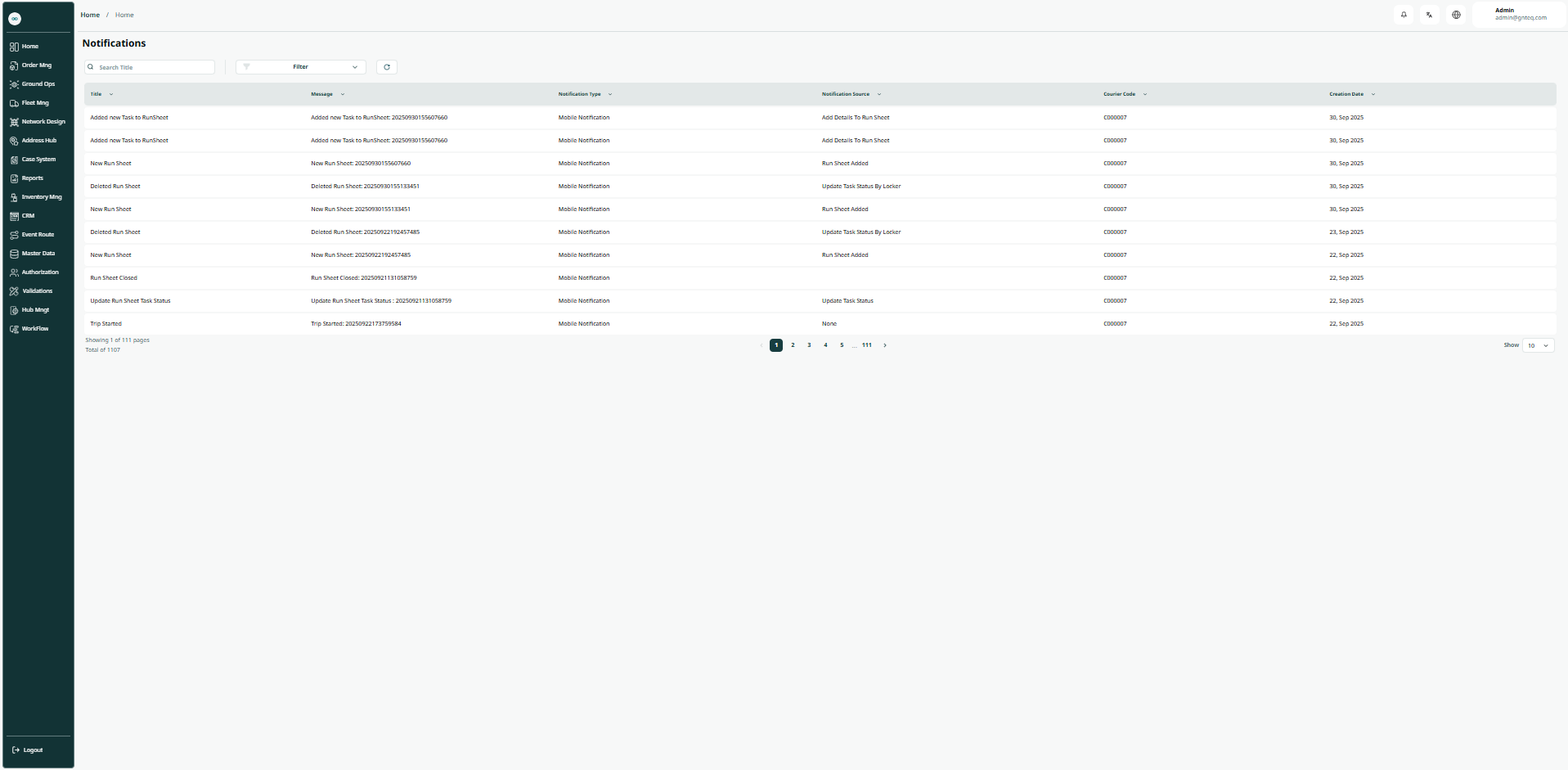
The admin can view the notifications in the system by navigating to the "Notifications" screen in the Hub management from the left navigation panel as follows:
-
Filters: the user can search for a notification by typing the notification source, notification type, etc.
-
Search: the user can search for a notification by typing the title.
-
Rows per page: the user can specify the number of items to display on each page.