
2. Dashboard
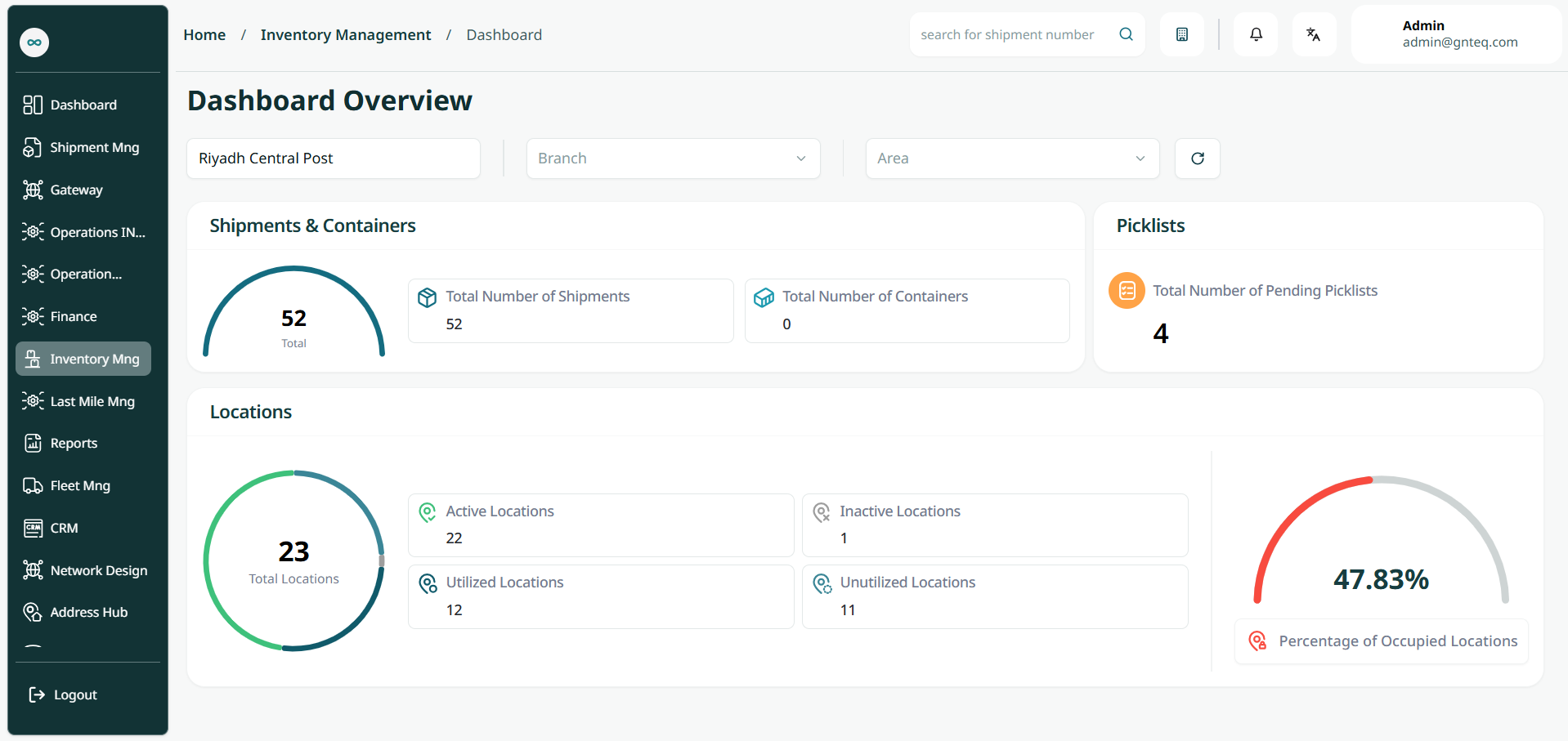
The user can view the defined locations in the system by navigating to the ‘Dashboard’ screen in the Inventory Management Module from the left navigation panel as follows:
-
Filter: the user can search for the location by selecting the main center, branch.